Overview
Want to play XileRO Retro from your phone? RagnaPocket is the official mobile app, and it works on iPhone and iPad. It is still in beta on iOS, so for now it is installed through Apple's TestFlight rather than the regular App Store. Here is how to get it set up, start to finish.
Install RagnaPocket through TestFlight
-
On your iPhone or iPad, open this link in Safari:
-
If TestFlight is not already on your device, Apple will offer to install it first. TestFlight is Apple's own official app for testing betas, this step is expected and perfectly safe.
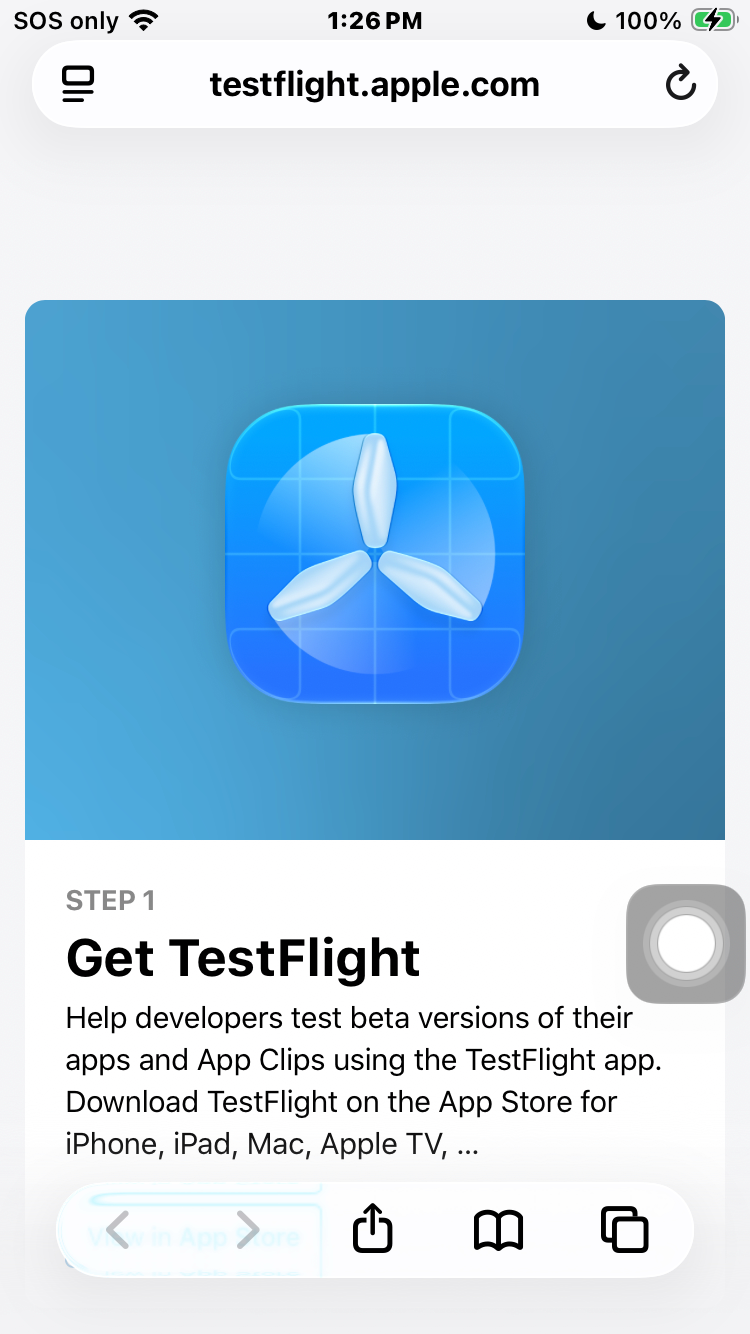
The join page, opened in Safari
- Tap View in TestFlight. The first time you open TestFlight it may ask to send you notifications and to agree to its terms, you can allow or decline either, it will not affect your game.
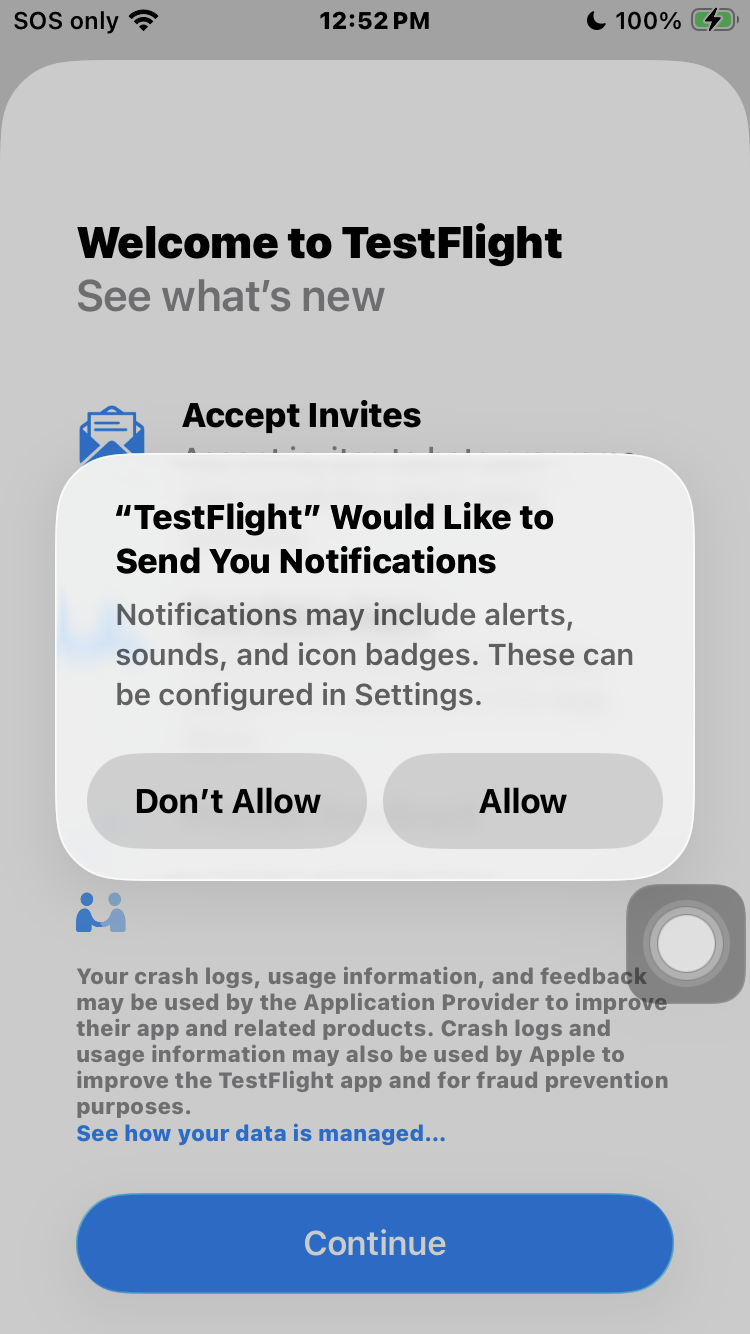
TestFlight's first-launch screen
- On RagnaPocket's page, tap Install, then Open once it finishes.
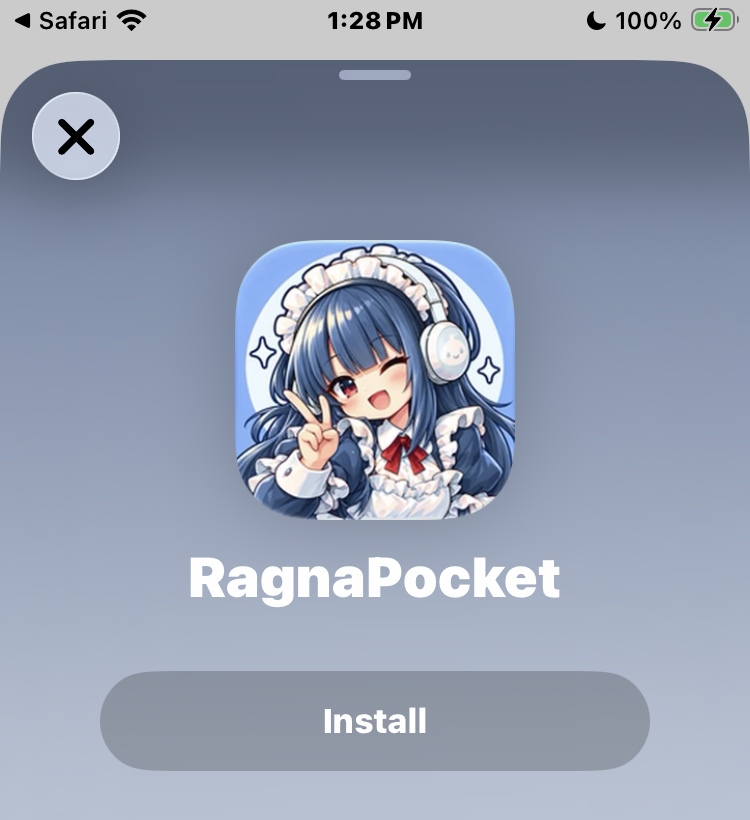
Tap Install, then Open
Connect to XileRO Retro
- RagnaPocket is a picker app, it can connect to several different Ragnarok servers. From its server list, tap XileRO Retro. If you do not see it listed yet, add it yourself with the server code field at the bottom of the list.
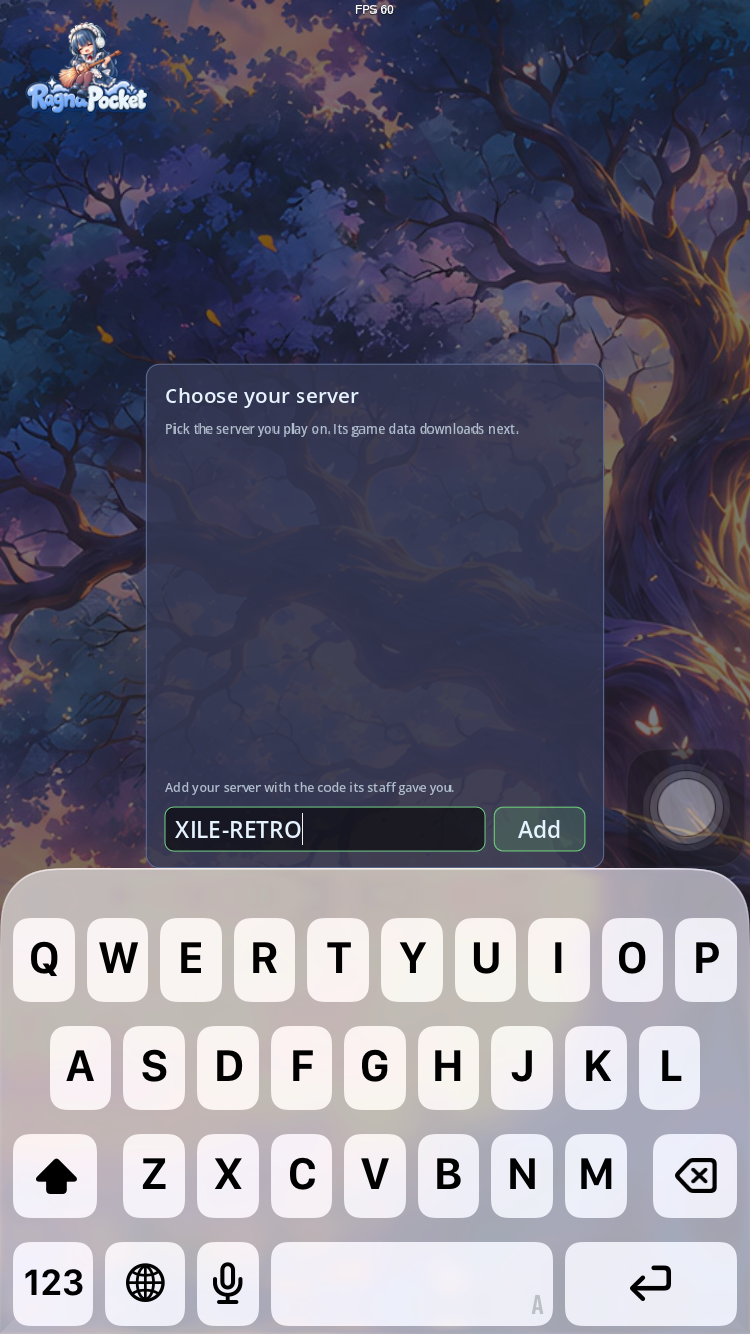
Adding a server by its code
- RagnaPocket confirms the server and asks to download its game data. This only happens once, later updates only download what changed. Tap Download and keep the app open until it finishes.
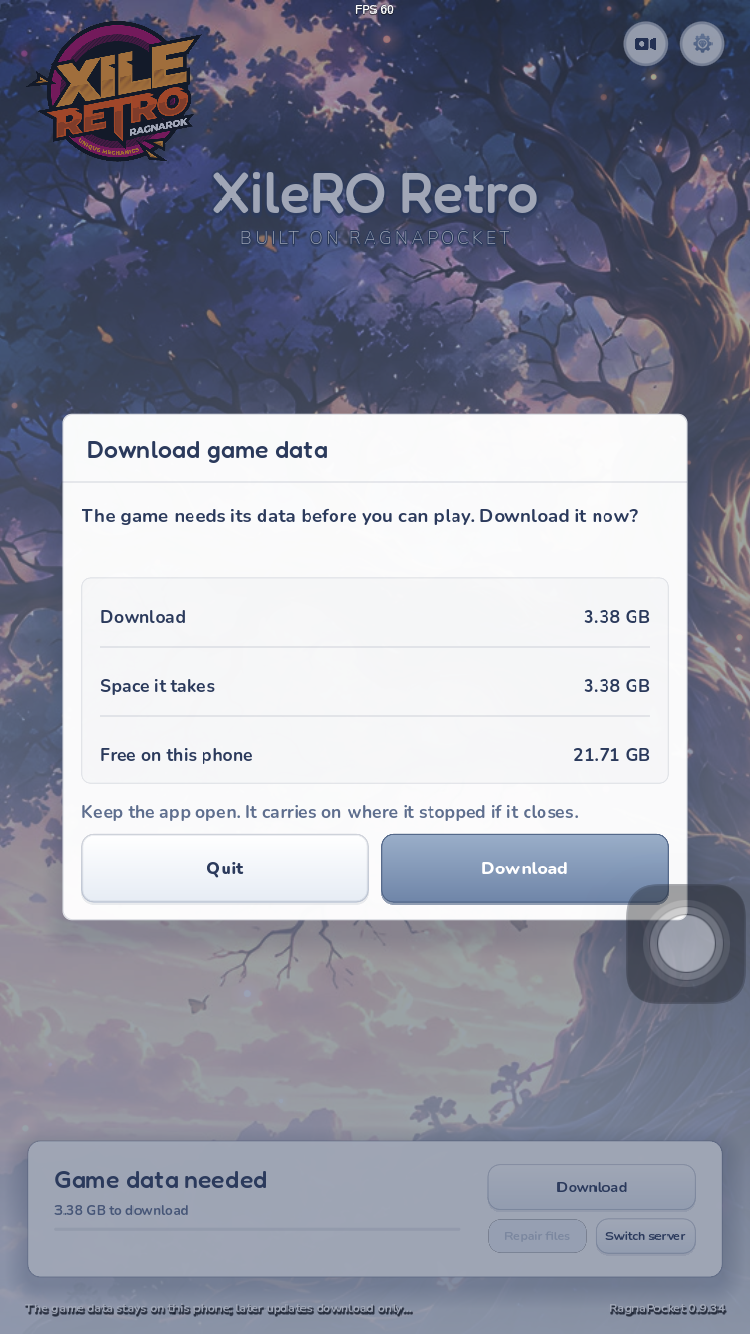
XileRO Retro found
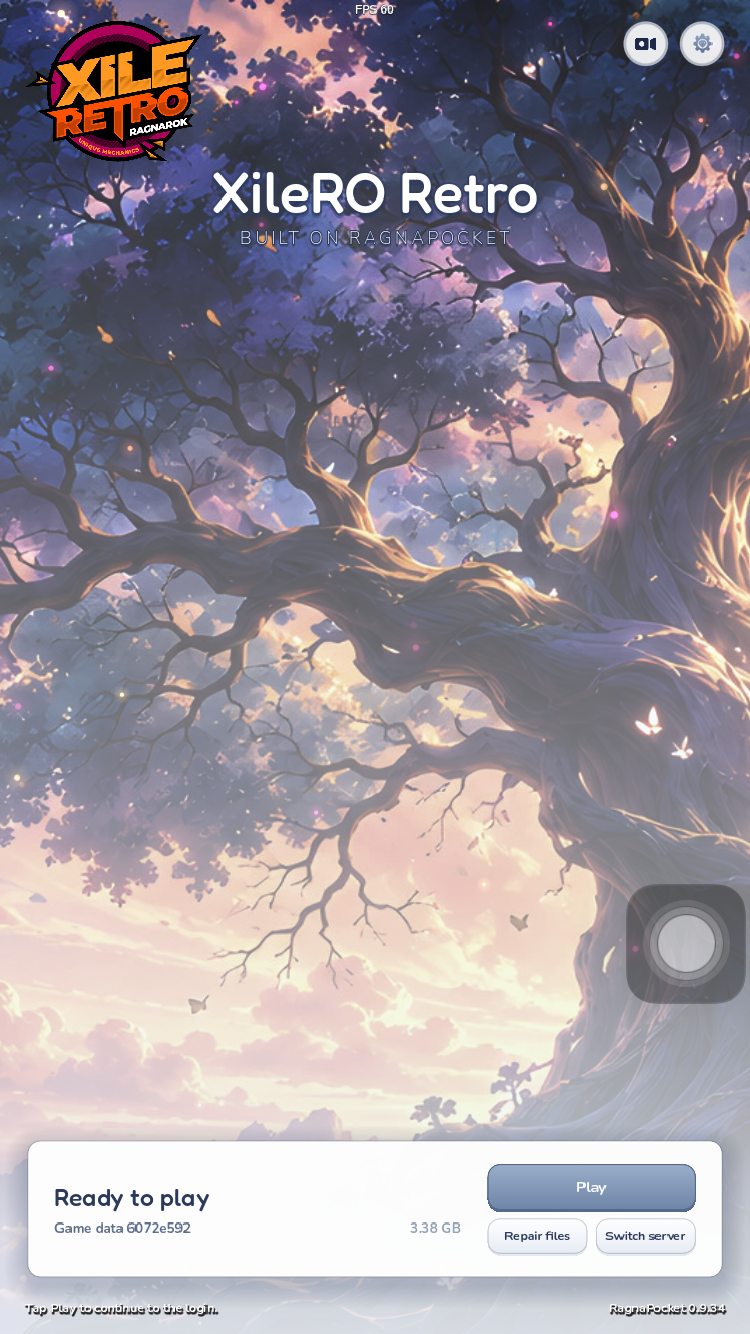
Ready to play
- Log in with your usual XileRO Retro account, the same one you already use on the PC client.
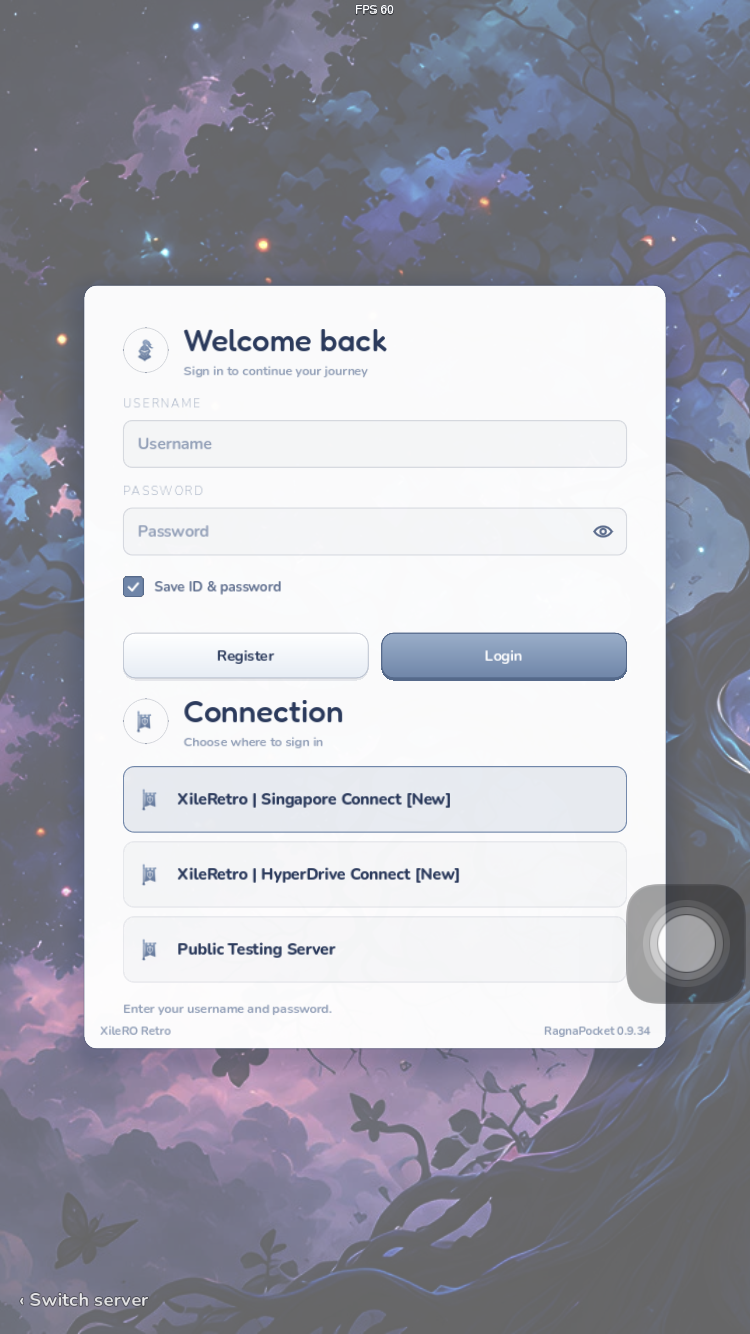
Sign in with your account
- Pick your character (or make a new one) and you are in!
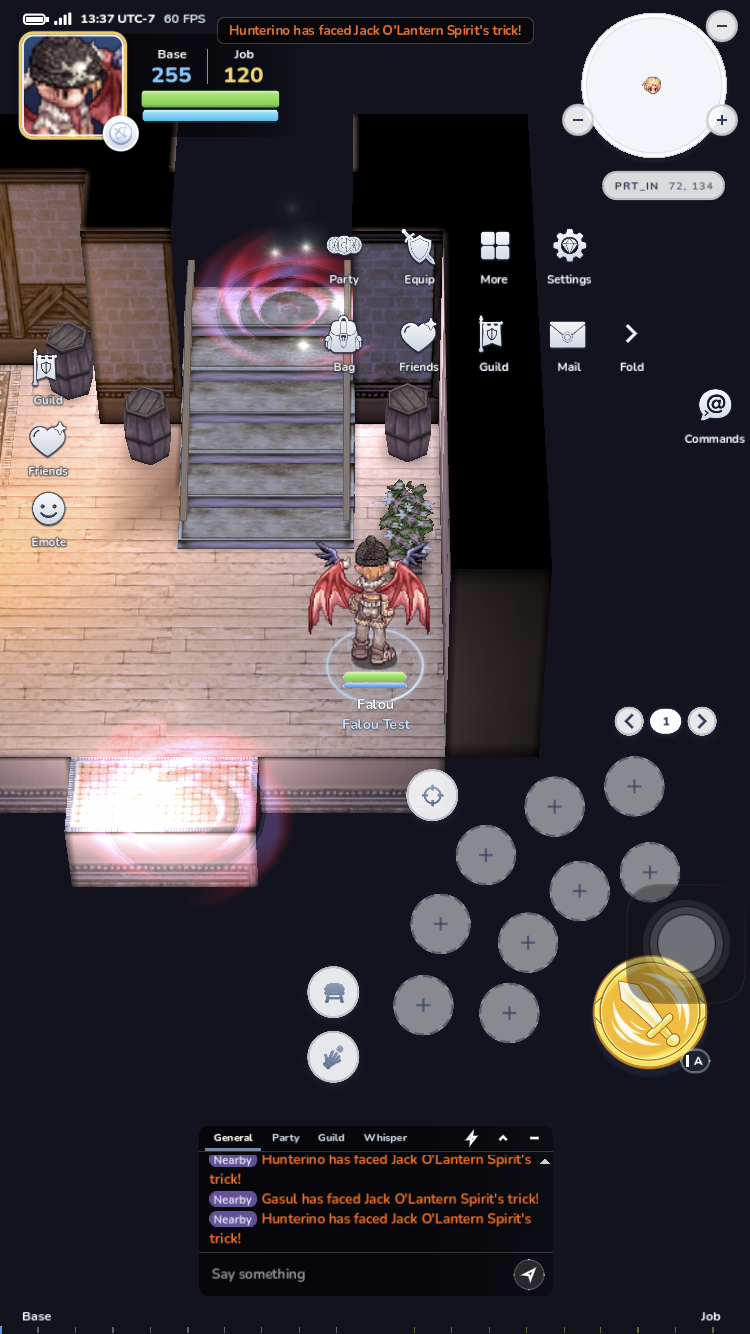
You're in!
Need Help?
Have questions? We're here for you!
- Website: xilero.net
- Discord: Join our community!
See Also: Download, Server Information, Troubleshooting